
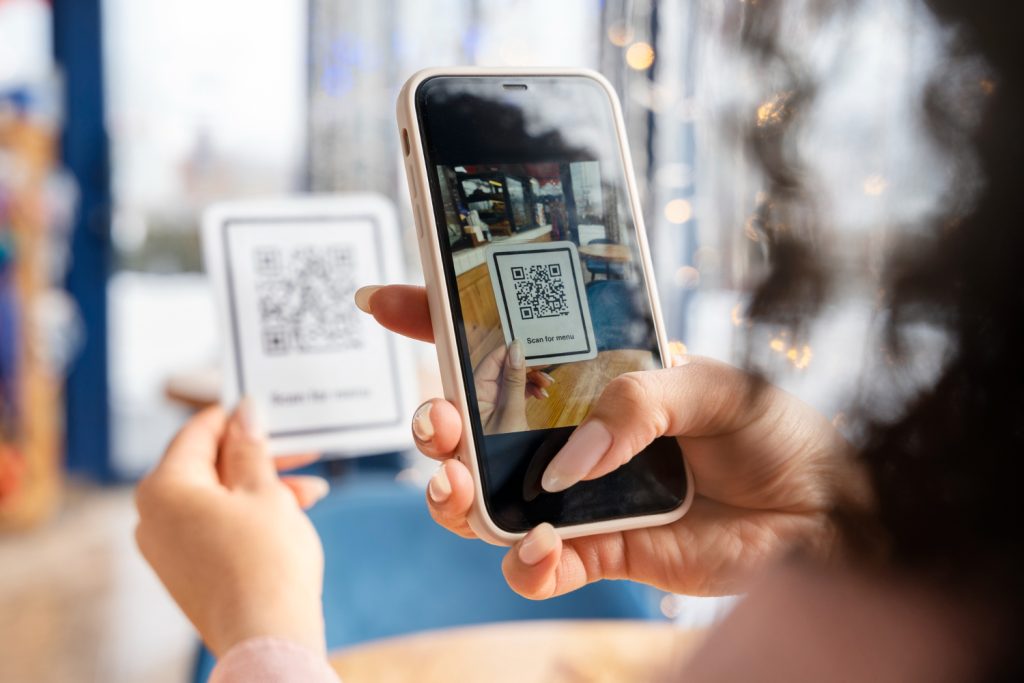
With the advent of eSIM technology, setting up a mobile plan has never been easier. Whether you’re a frequent traveler or looking to simplify your mobile data management, eSIM is an innovative and practical solution. Here, we explain how to activate it with a QR code. You’ll also discover the evolution from physical SIM cards to eSIMs and their many advantages.
What is an eSIM?
eSIM, or « embedded SIM, » is a SIM card inserted directly into your device’s hardware, such as your smartphone, tablet, or even your smartwatch. Unlike traditional SIM cards, it doesn’t have a physical format that you insert into a slot. All the information needed to activate a mobile plan is downloaded digitally to your device.
eSIM offers a multitude of advantages:
- Time-saving: Quick activation of a plan in just a few clicks, without physical manipulation.
- Flexibility: Ability to store multiple eSIM plans on the same device and switch between them as needed.
- Savings: No roaming charges by activating local plans adapted to your travel destinations.
- Security: No risk of losing or having your SIM card stolen.
Thanks to its technology, eSIM provides simplified connectivity and integrates perfectly into our daily lives, whether for travel or for managing multiple professional lines.
Why use a QR code to set up an eSIM?
The QR code is a standardized and universal method for activating an eSIM. Here’s why it’s particularly useful:
- Simplicity: By scanning a simple code, you download and configure all the necessary data to activate your mobile plan.
- Speed: The process only takes a few minutes, without needing a store visit or waiting to receive a SIM card by mail.
- Security: QR codes minimize human errors through automatic integration of plan settings.
This method is particularly suitable for travelers or users looking to activate local or international plans instantly.
Learn more about this increasingly popular technology in this video!
How to install a Vostra eSIM with a QR code?
Installing a Vostra eSIM via a QR code is a simple process accessible to everyone. Follow these steps:
1. Prepare your device
- Make sure your device is eSIM-compatible. To do this, check your phone settings or refer to the list of compatible devices on Vostra.world.
- Connect to a stable Wi-Fi network.
2. Access your QR code
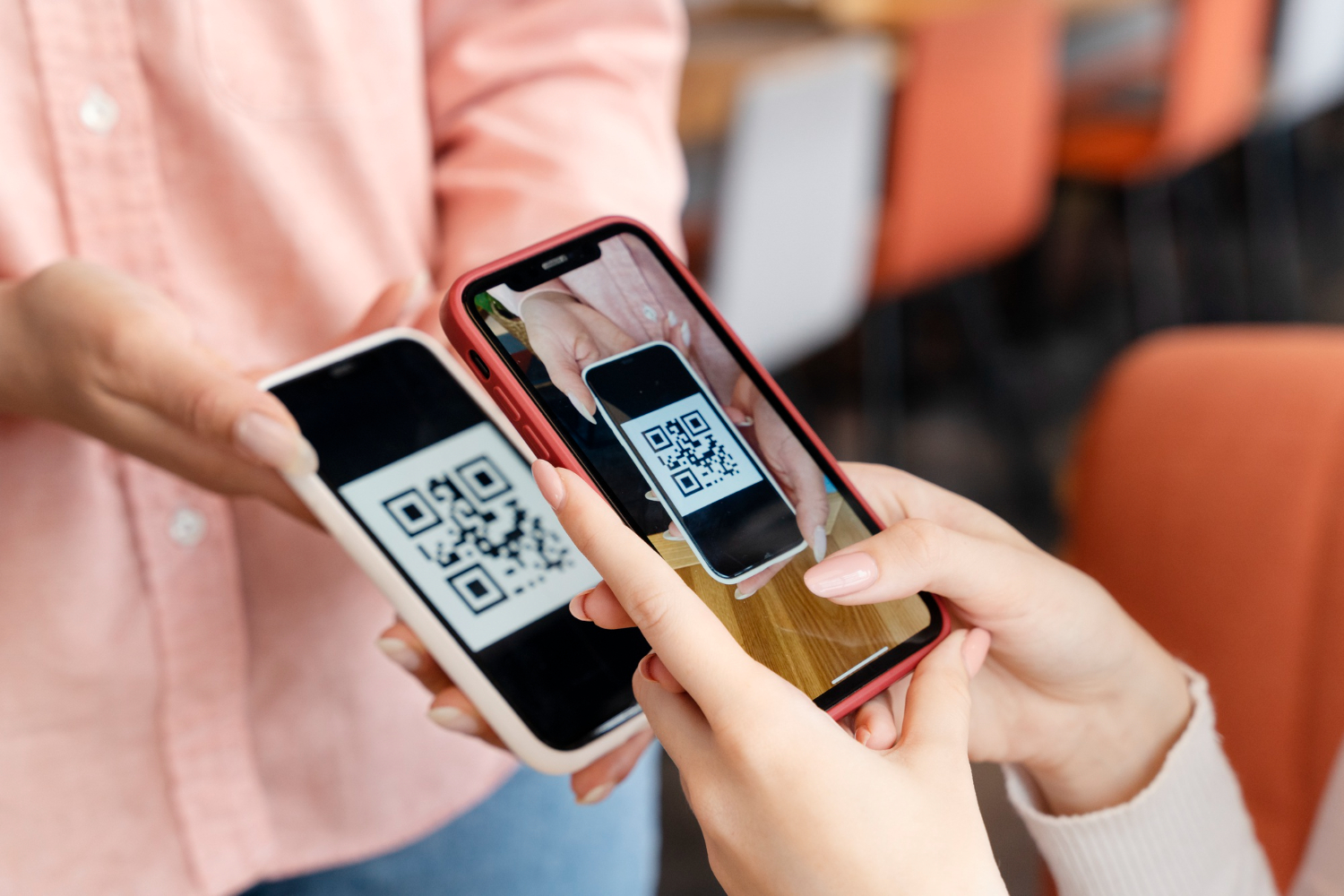
After purchasing your eSIM plan, you will receive an email or notification with a QR code. This code contains all the necessary information to configure your mobile plan.
3. Install an eSIM on an iPhone
- Open Settings.
- Go to Cellular, then select Add Cellular Plan.
- Scan the received QR code.
- Follow the instructions to activate your eSIM and select the primary line for calls and SMS, if necessary.
4. Install an eSIM on an Android device
- Open Settings.
- Go to Connections, then to SIM card manager.
- Select Add mobile plan and scan the QR code.
- Confirm the installation and activate your eSIM.
Once activated, you are ready to enjoy your mobile plan with permanent connectivity.
The evolution from SIM to eSIM
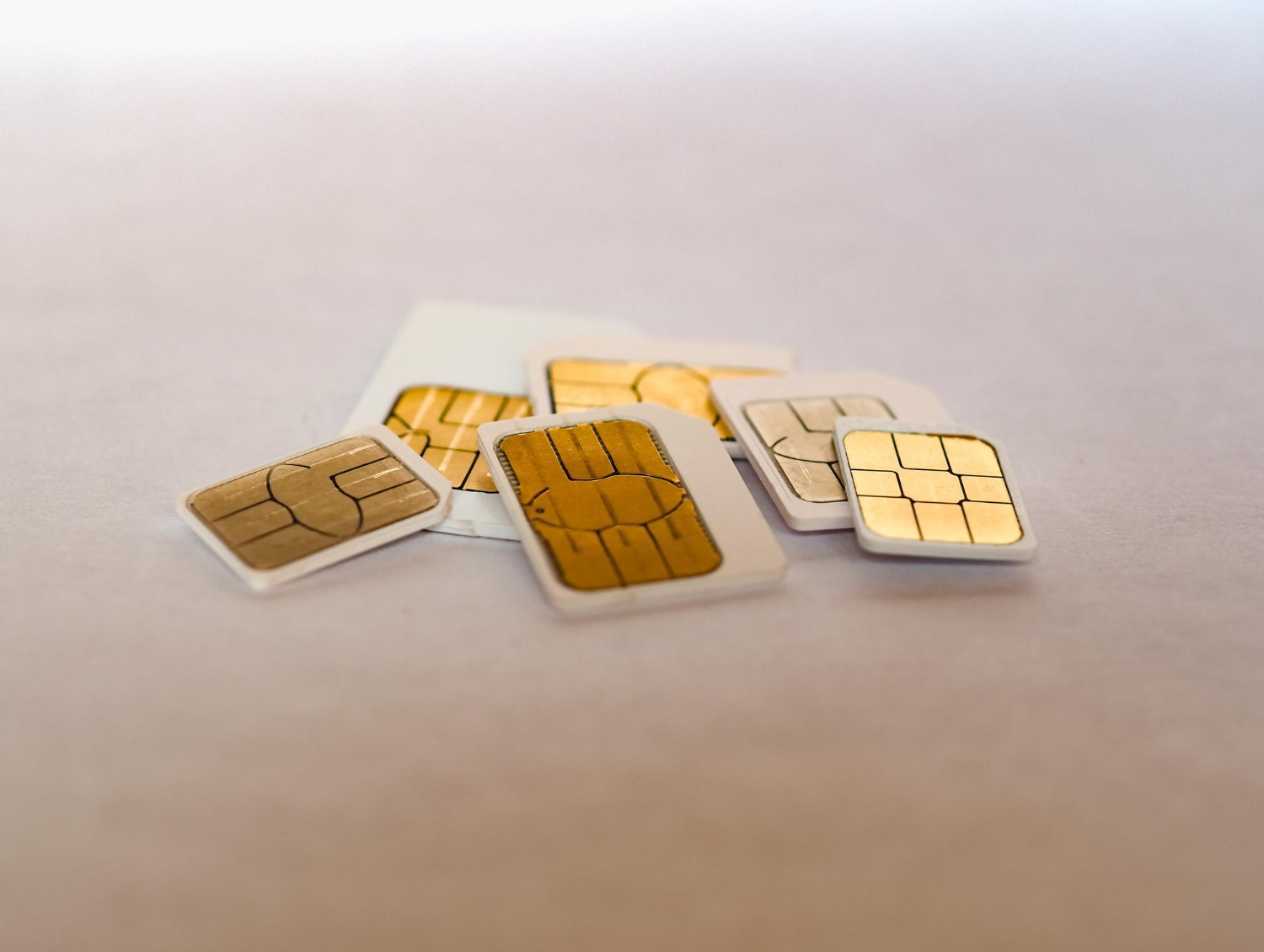
SIM cards have evolved considerably since their introduction in 1991:
- Mini SIM: First formats launched in 1996, requiring a specific insertion tray.
- Micro SIM: Launched in 2010, it is smaller and offers improved functionalities.
- Nano SIM: Standardized since 2012, it marked a significant reduction in size.
- eSIM: Integrated directly into devices, it eliminates the need for a physical format while increasing flexibility and security.
eSIM represents the next step in this evolution, with limitless connectivity and no hardware constraints.